Learn to make AI shows for your brand
Vertical dramas, mini series, reaction content and more. Guided courses teach you to build the characters, sets, props and voices, then put them together into scenes and stories, with the same methods we use for our own series.
Joining and the courses are free. To make an image or a video you load your wallet first; each one is paid from it. How the wallet works
Already a member? Open the Studio

What you can make
Vertical Dramas
Short episodes made for a phone screen, with a cast and a story that carries from one episode to the next.
Mini Series
A few episodes around one idea: the same characters, the same rooms and the same look every time.
Reaction Content
Your take on a clip or a headline, cut between the source and you or your AI character.
Whiteboard Videos
You talk, and a hand draws your point on a whiteboard in time with your words.
Videos of You
Your own AI avatar and voice, so you can put out a video without setting up a camera.
Images and Clips
Pictures for posts, stories and price lists, and any of them turned into a short video.
Made in the Studio
These are the working sheets behind our own series. Each one shows a person, a room or an object from several angles, so it comes out the same in every shot. The courses teach you to make your own.
Characters
A face, a haircut, an outfit and every piece of jewelry, each on its own sheet.

Marcus Reed: the character sheet

His face, from each angle
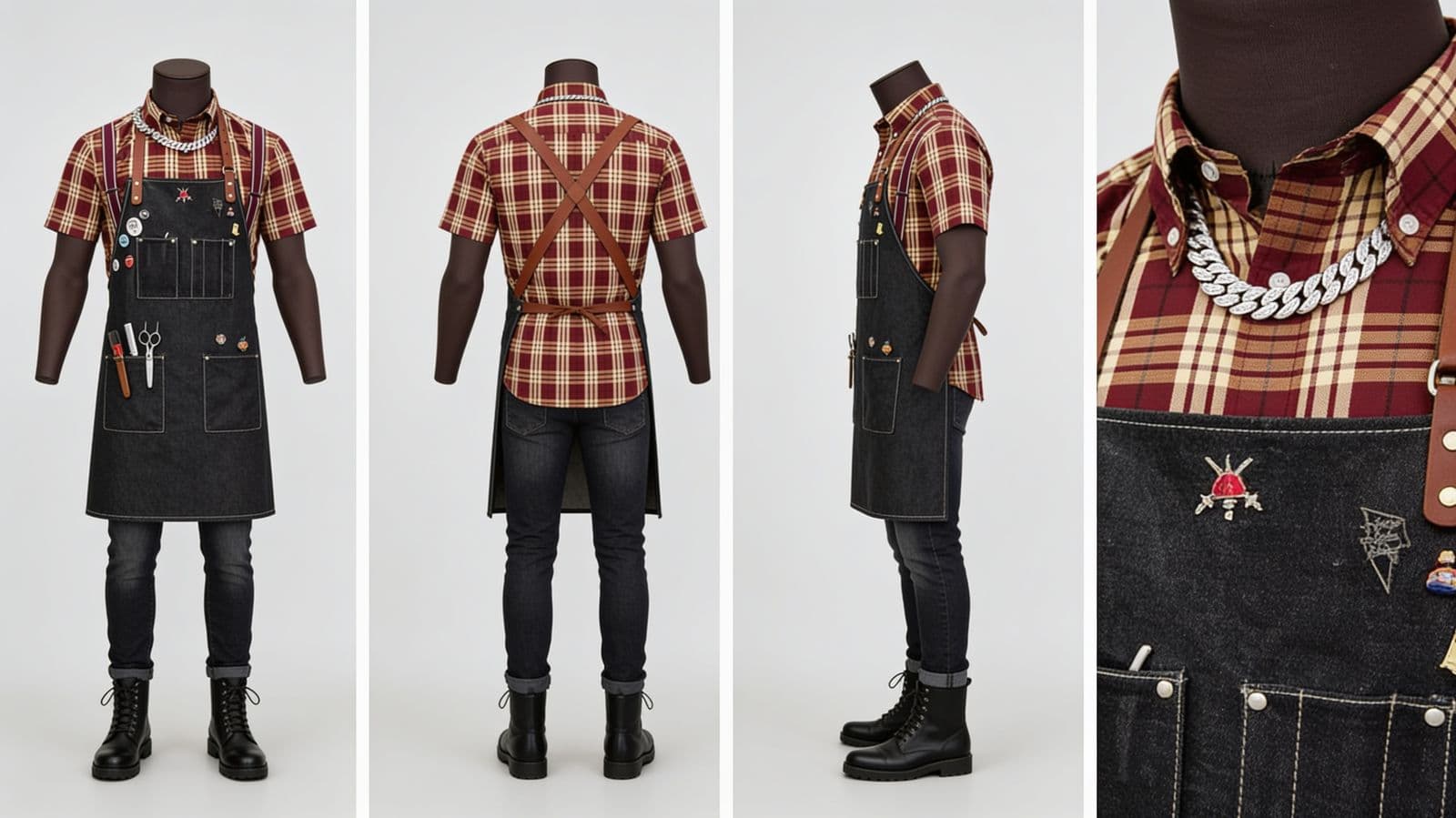
His outfit, on its own sheet
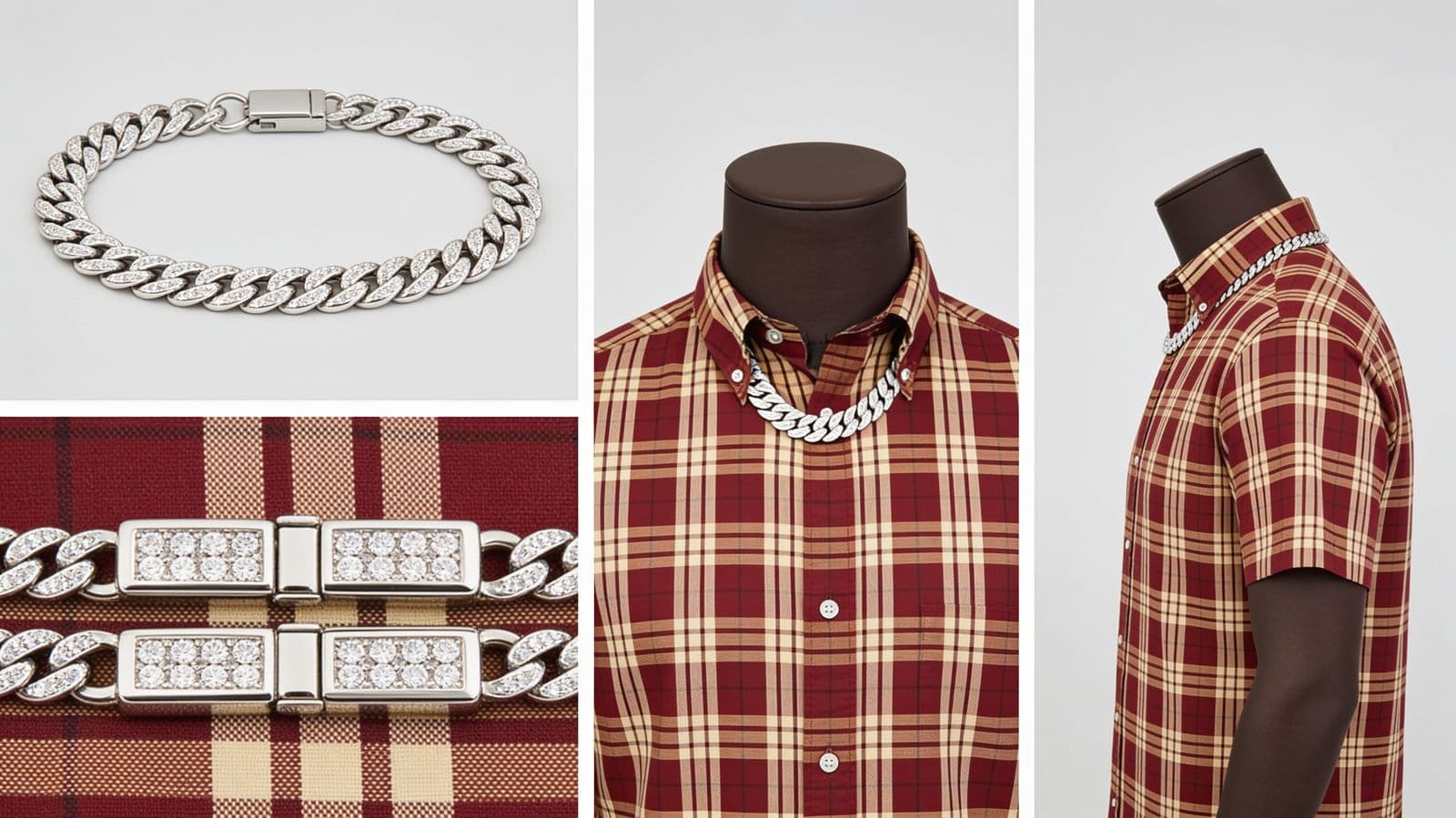
His chain, and where it sits
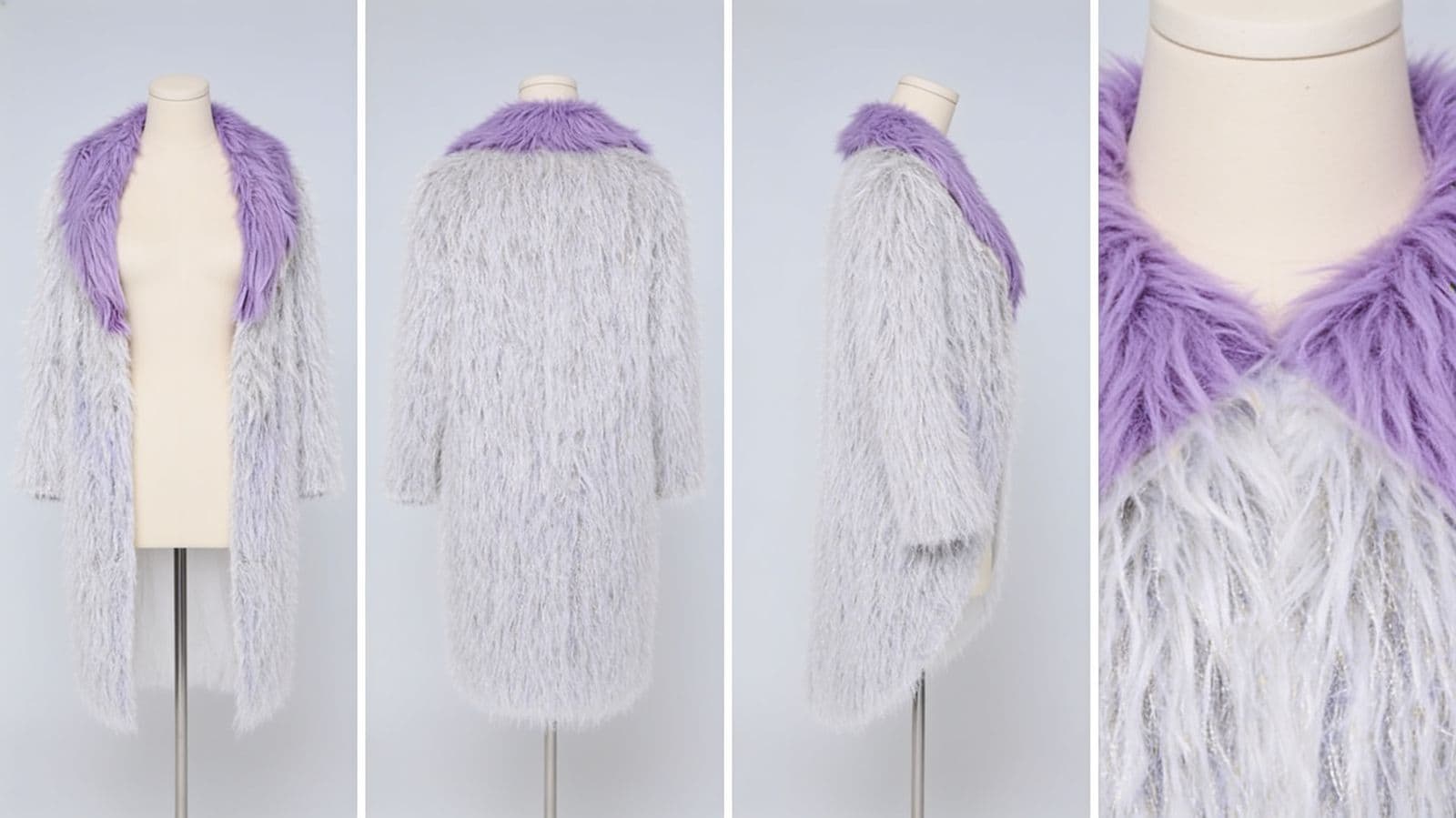
Simone's coat
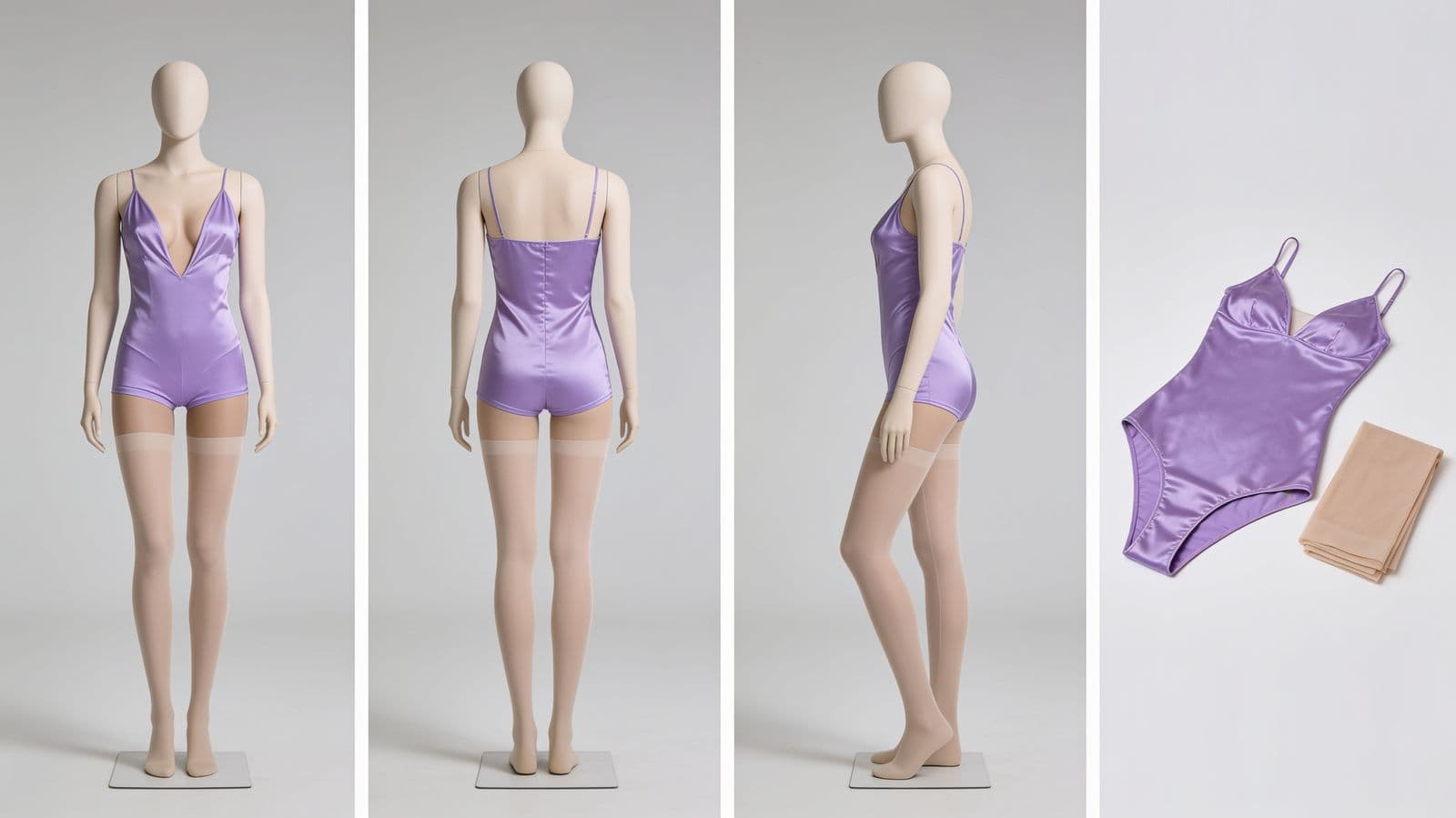
Simone's bodysuit
Sets
One room, wall by wall, so the camera can turn any direction and still be in the same place.
Marcus's office, at night

North wall
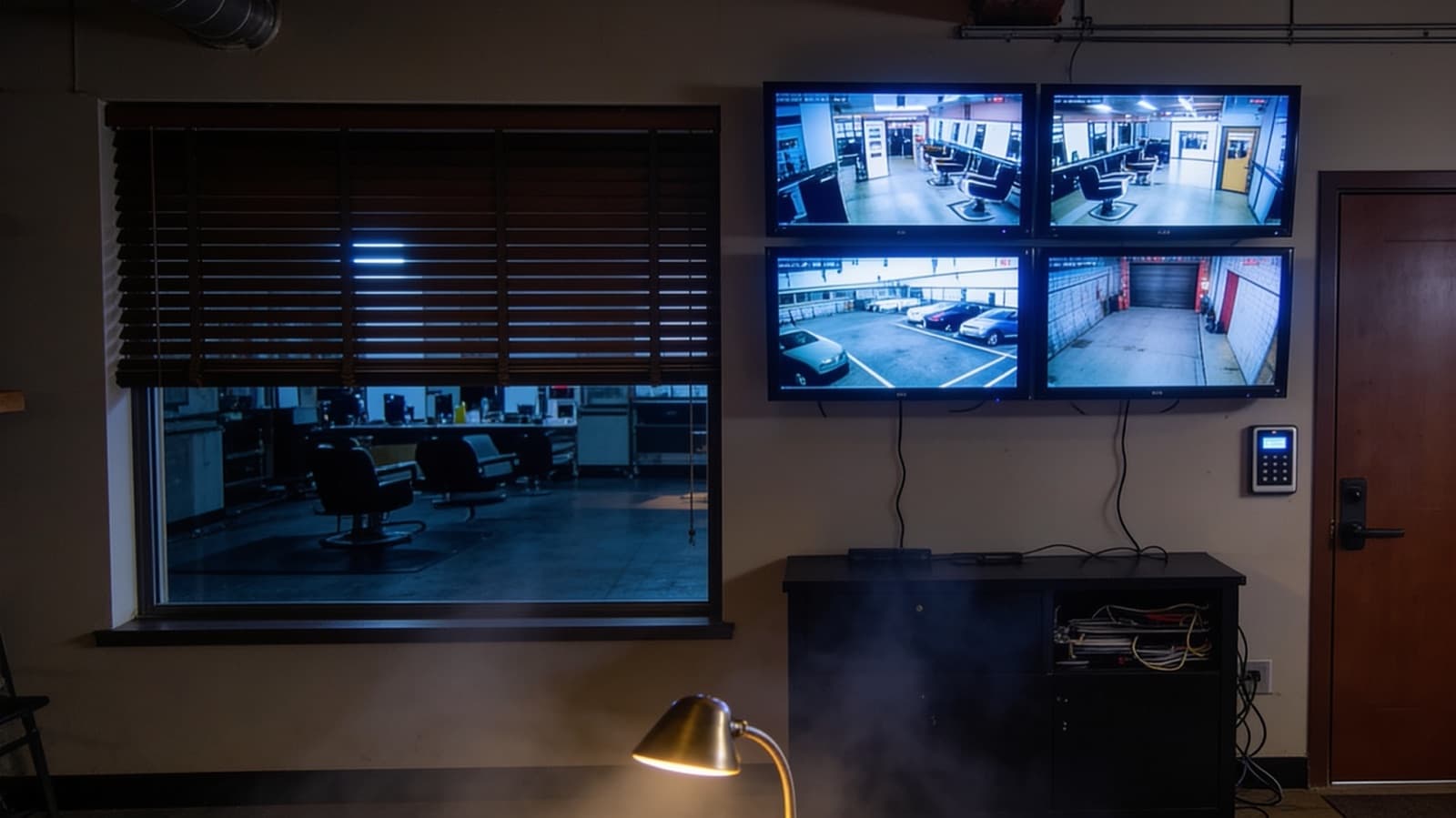
East wall
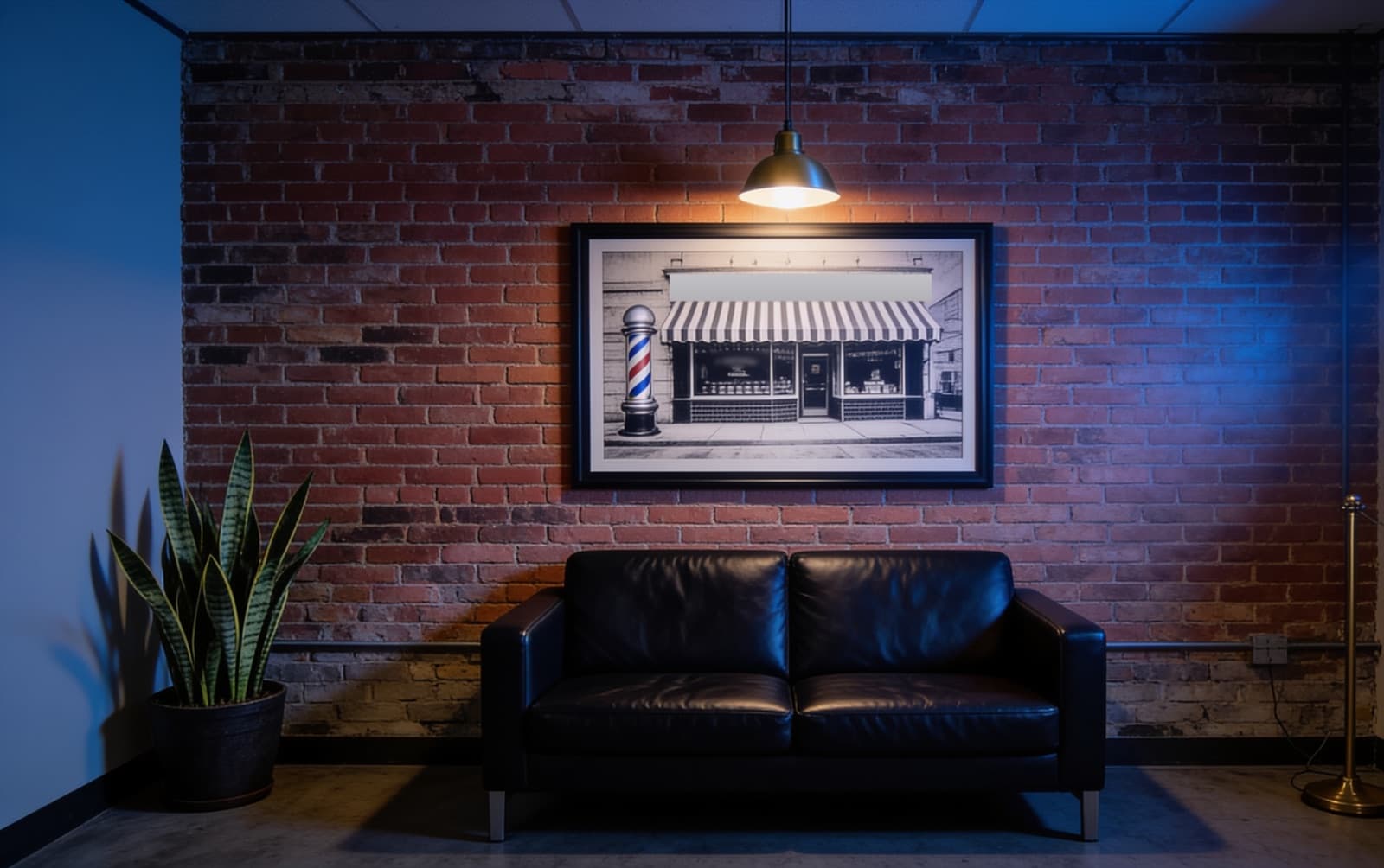
South wall
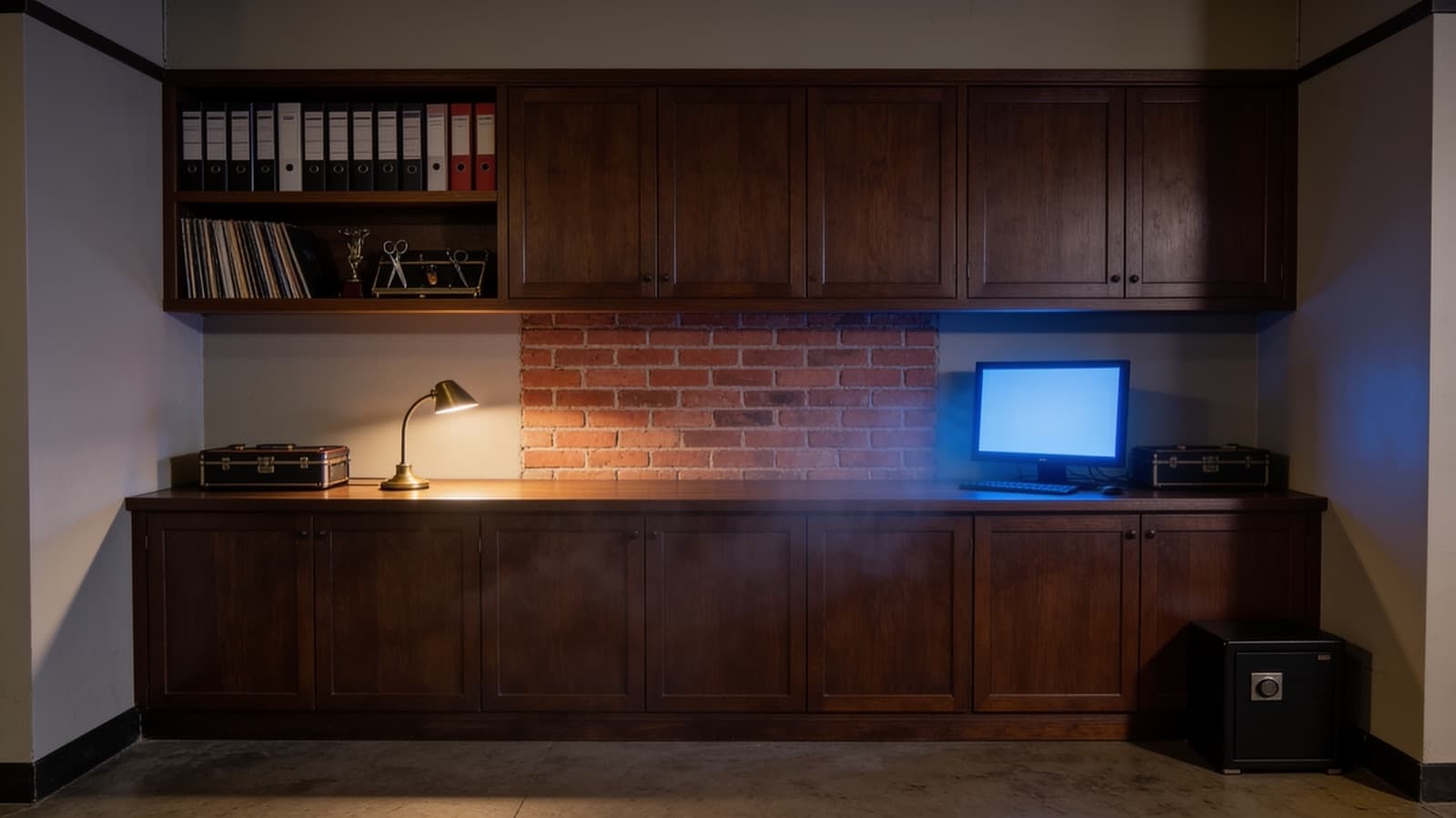
West wall
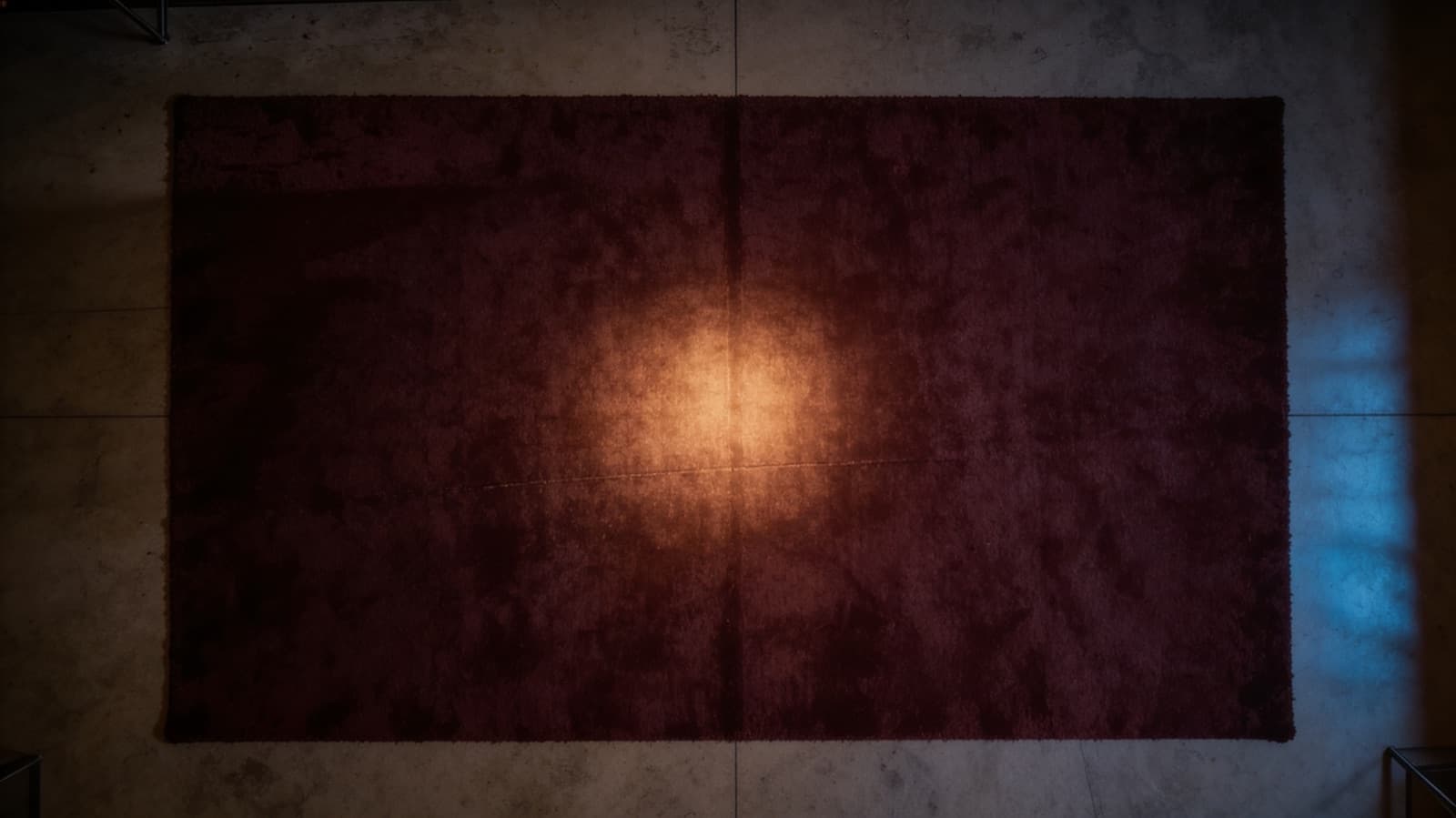
The floor, as a map
Props
The things a scene needs: what a character sits in, signs, picks up or ignores.
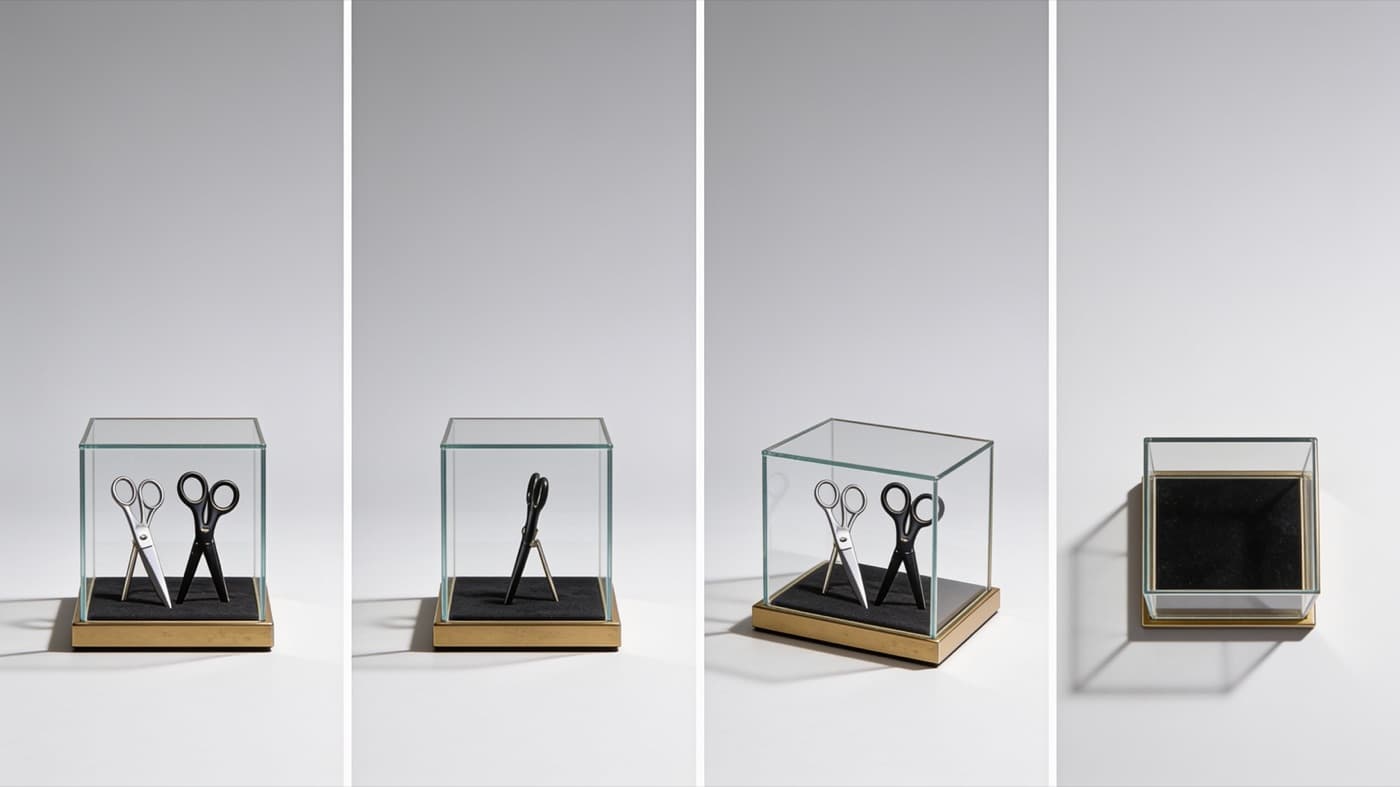
Shears in a display case
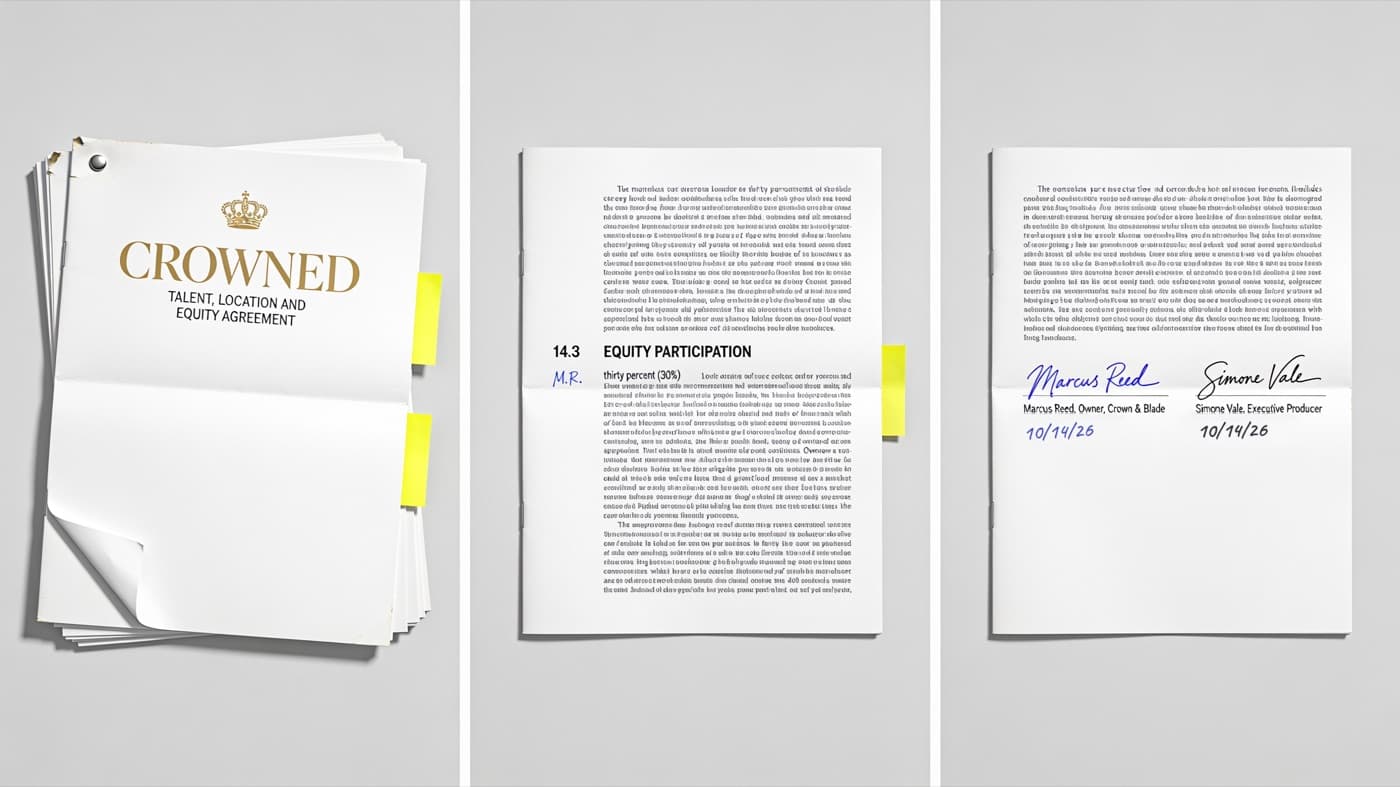
A contract, page by page
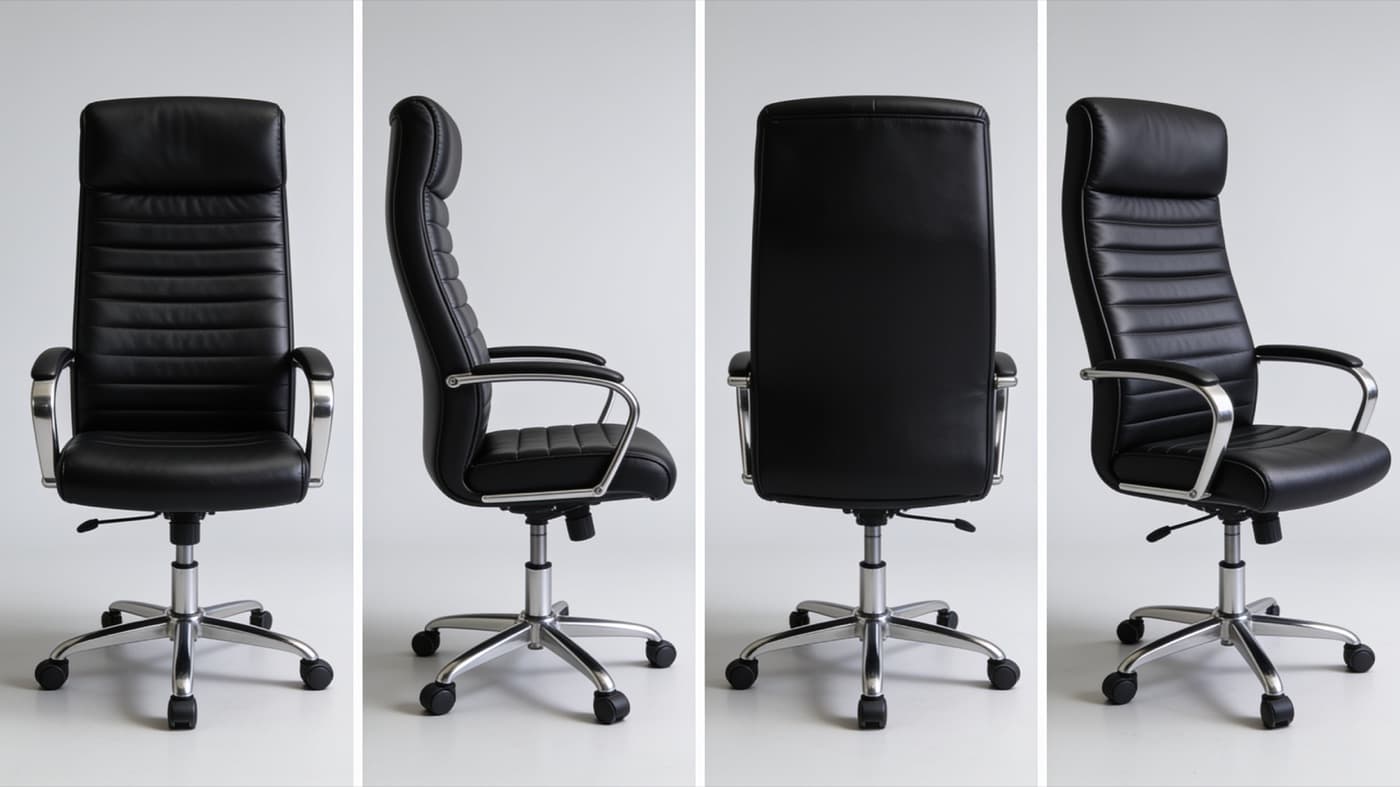
The owner's chair
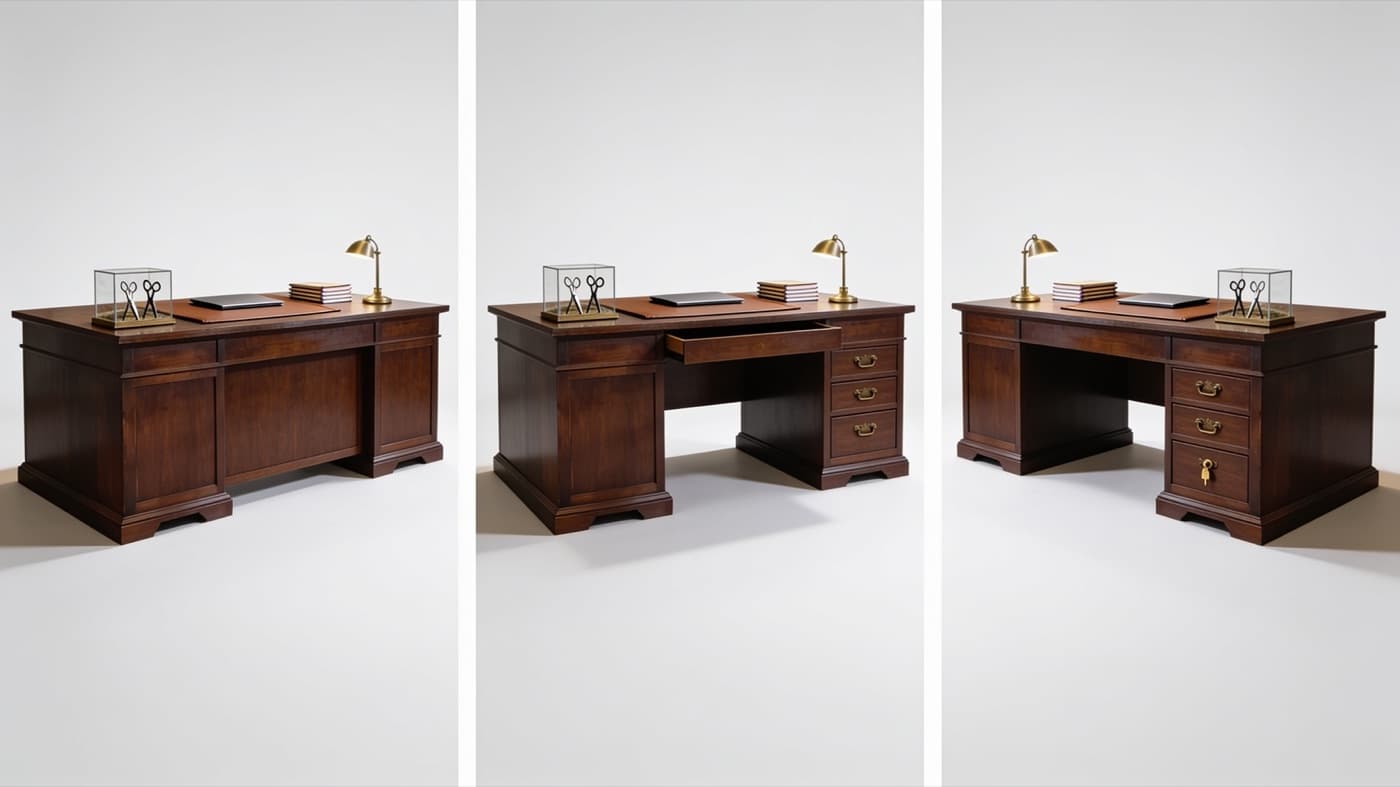
The desk
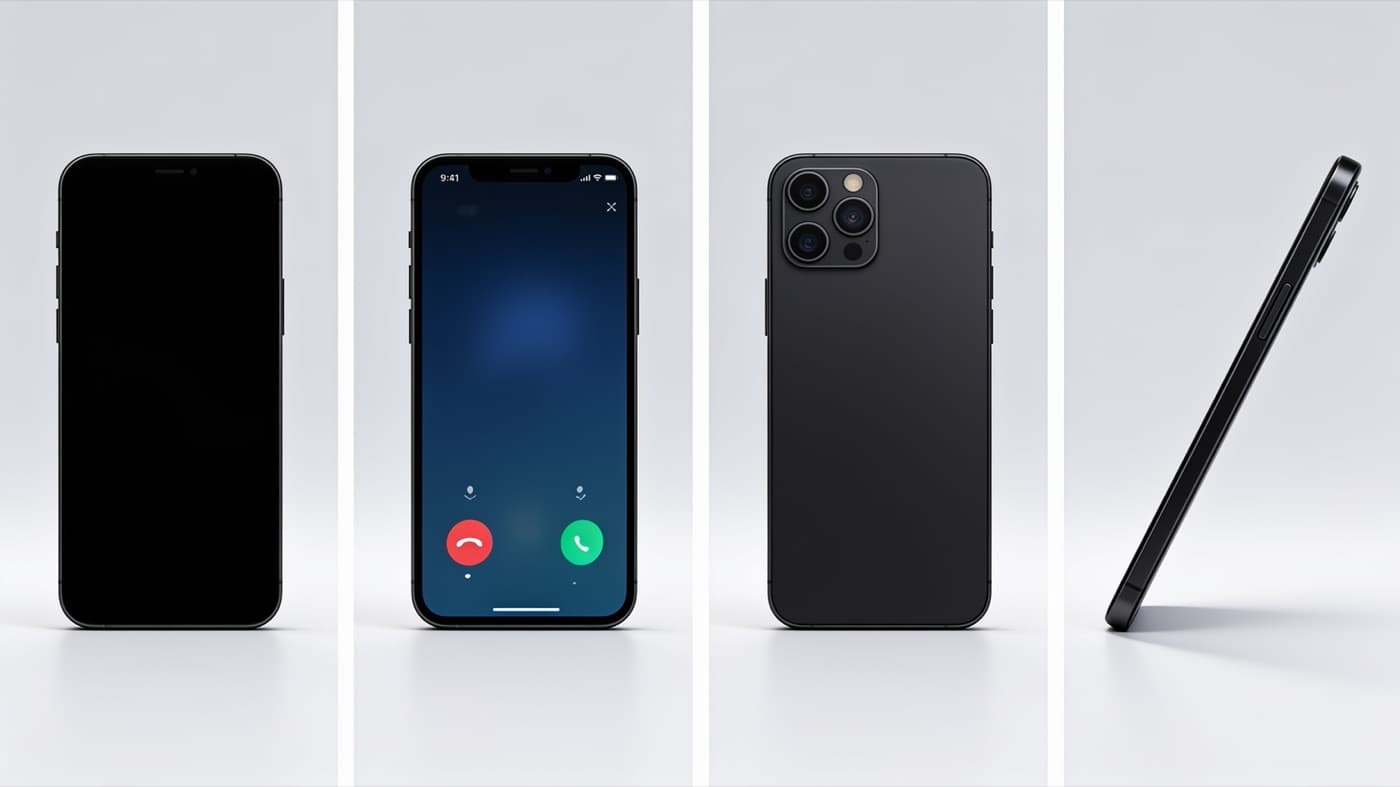
A phone, ringing
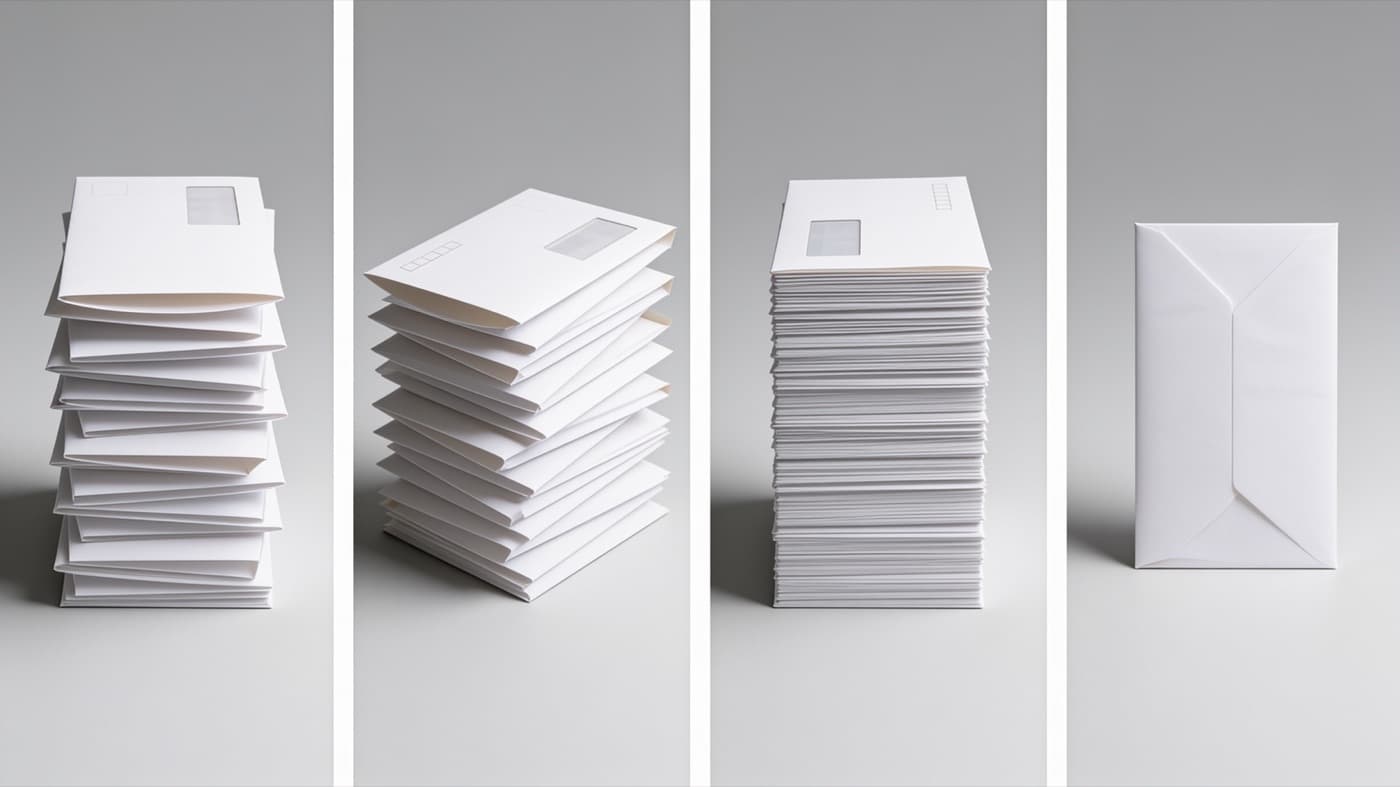
Unopened bills
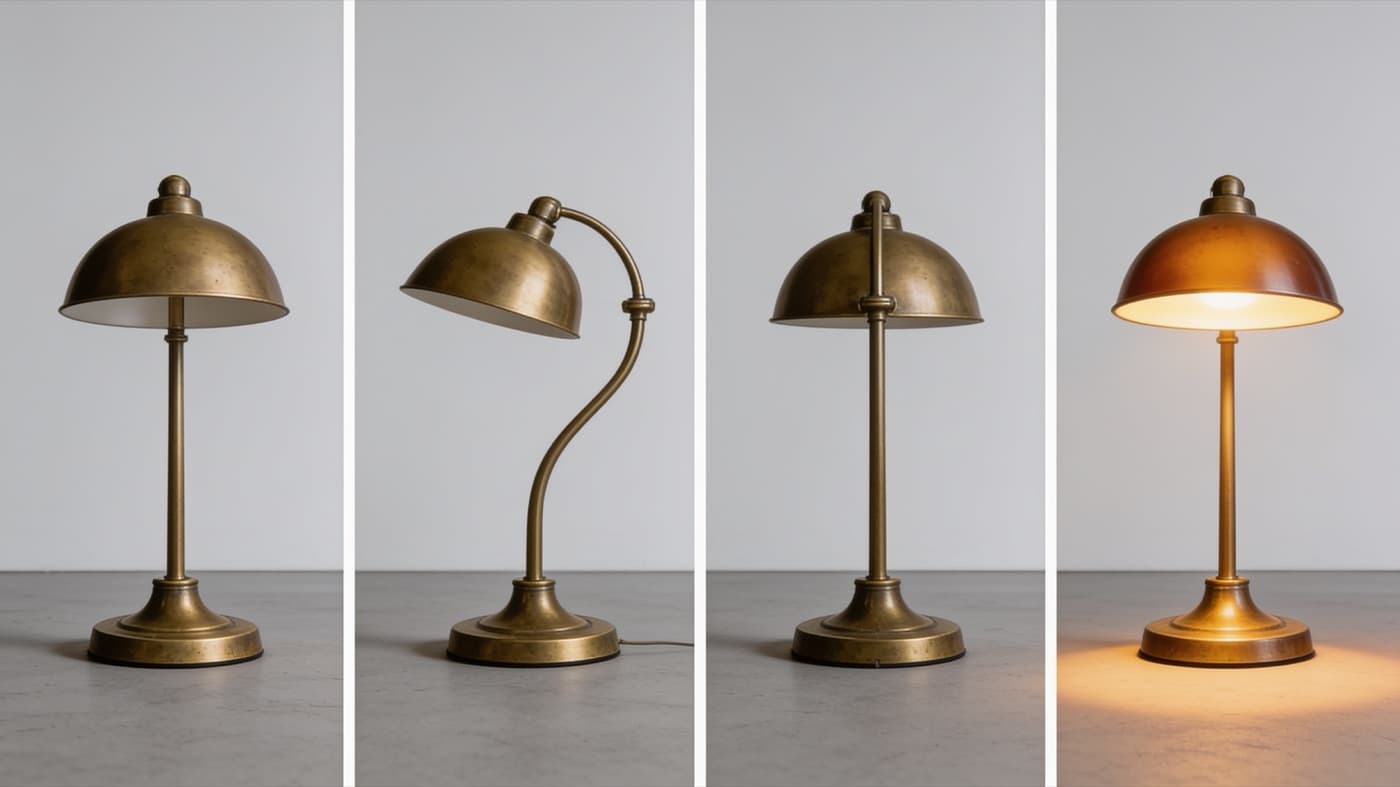
The desk lamp
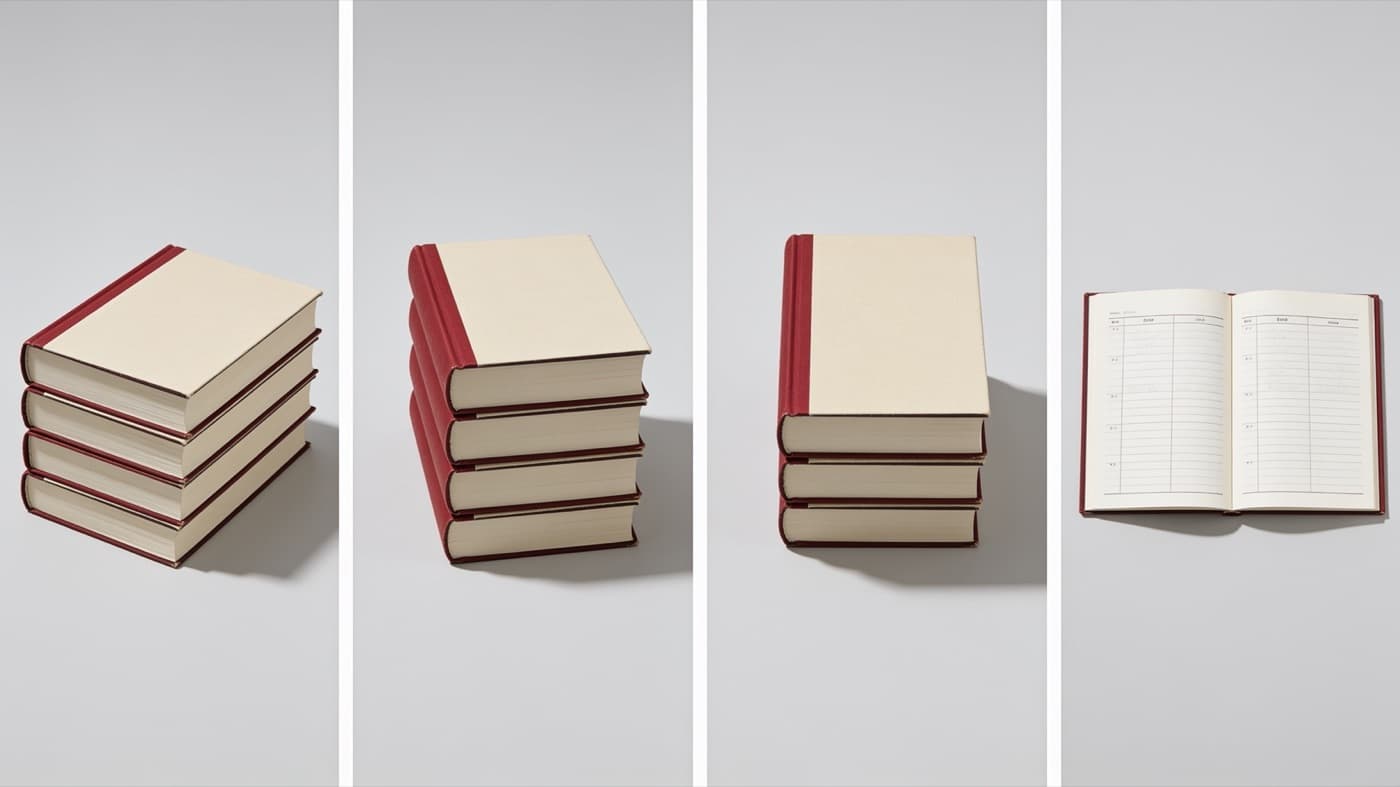
Appointment books
Guided courses
Each course walks you through one part of a scene, a step at a time, with a worked example beside you: who is in it, where it happens, what they hold and how they sound. You finish each one with something you made, and you can use the same builder again as often as you like.
- Open now
Character Builder
Build a character who looks the same in every picture: the face, the haircut, the outfit and each piece of jewelry.
- Opening soon
Set Builder
Build a room that holds together from every camera angle, by day and by night, starting from a floor plan.
- Opening soon
Prop Builder
Make a sheet for each object a scene needs, so a chair, a contract or a phone matches from shot to shot.
- Opening soon
Character Voice Builder
Give each character a voice that stays the same in every scene, then test it by acting a line into it.
- Opening soon
Whiteboard Videos
Go from a recording of you talking to a finished whiteboard video, one short step at a time.
- Coming next
Scenes and Stories
Put your characters, sets, props and voices together into scenes, and your scenes into an episode. This course is being built; the ones above make everything it will use.
You load your wallet to make images and video
Membership is free and so are the courses. Making something is not: every image, sheet and video is paid from a wallet on your account, so you need money in it before the Studio will make anything.
Load it
$5, $10 or $25 at a time, by card, from your plan page.
See the price first
Every button shows what it costs. An image is $0.05 and a 5-second video from an image is $1.50.
Charged when it is made
If something fails to make, nothing is taken from your wallet.
It does not expire
Your balance stays until you use it, and there is no monthly fee for the Studio.
How it works
- 1
Join for free
Membership costs nothing and needs no card. The Studio is on your account as soon as you sign up.
- 2
Take a course
Start with a character or a whiteboard video. Each step explains what to do and why, and shows you ours.
Load your wallet, then make
Images and video are paid from your wallet, so load it before you make your first one. Each is charged at the price on its button, only once it is made. What you make is yours.
Become a member and start learning
One free ShearQuery account gets you the Studio and its courses, along with everything else membership includes for barbers, stylists, shops, salons and schools.
- Guided courses, with our own series as the worked example
- No monthly fee for the Studio: you load your wallet and pay for each image and video you make
- What you make is kept privately on your account
Want to see plans first? Pricing
Create your free membership
Takes about a minute.